La columna Campañas de ecosistema module includes an advanced filtering feature that allows users to quickly find and manage campaigns based on multiple criteria. The filter panel is displayed on the side of the screen and supports combining several filters at the same time.
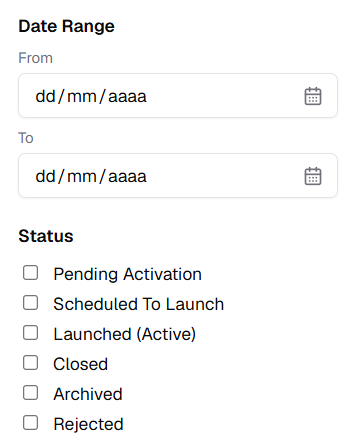
Filter by Date Range
This filter allows users to view campaigns within a specific time period:
- From: Select the start date.
- Para: Select the end date.
This option is useful for identifying campaigns created, scheduled, or active during a defined date range.
Filter by Status
Allows users to filter campaigns based on their current lifecycle status:
- Pending Activation: Campaigns created but not yet activated.
- Scheduled to Launch: Campaigns planned to go live at a future date.
- Launched (Active): Campaigns that are currently live.
- Closed: Campaigns that have ended.
- Archived: Campaigns stored for historical reference.
- Rejected: Campaigns that were not approved.
Filter by Type
Enables filtering campaigns by category:
- Local Campaign: Campaigns created for a specific node or environment.
- Ecosystem Campaign: Campaigns distributed across the ecosystem.
- Local Email Blast: Email campaigns targeting local audiences.
- Ecosystem Email Blast: Email campaigns sent at the ecosystem level.
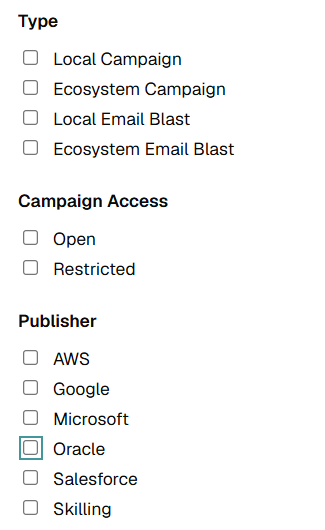
Filter by Campaign Access
Allows filtering campaigns based on visibility:
- Abrir: Campaigns accessible to all users.
- Restricted: Campaigns available only to specific audiences.
Clear
La columna Clear option resets all selected filters and displays the full list of campaigns.