
If you want to see all your archived campaigns, from the Manage Campaigns main page place the mouse over the three-dots option next to the Add button.
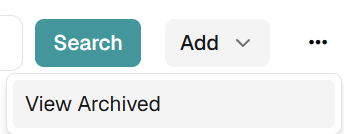
Then click on View Archived and you will be directed to the Archived Campaigns Page. Note: Only campaigns with Status = “Closed” can be archived.
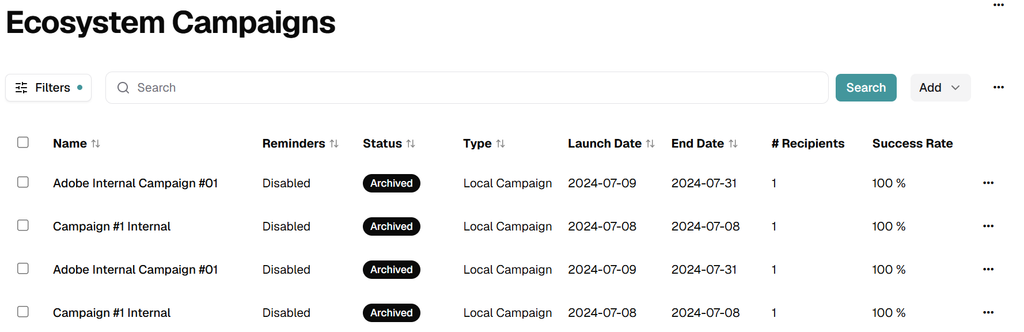
You will see the status of the campaigns changed to Archived.
To return to the Manage Campaigns page, place the mouse over the Menu icon and then click on View Active.
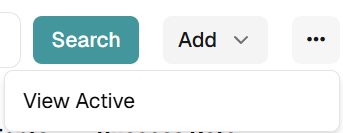
You will be redirected back to the campaign’s main page.
Bulk Archive Campaigns
The Bulk Archive action lets administrators archive several campaigns at once, keeping the active list focused without deleting historical data.
How to Bulk Archive Campaigns
- Select the campaigns to archive using the checkboxes on the left of the table.
- Open the hamburger menu at the top right of the page and click Bulk Archive.
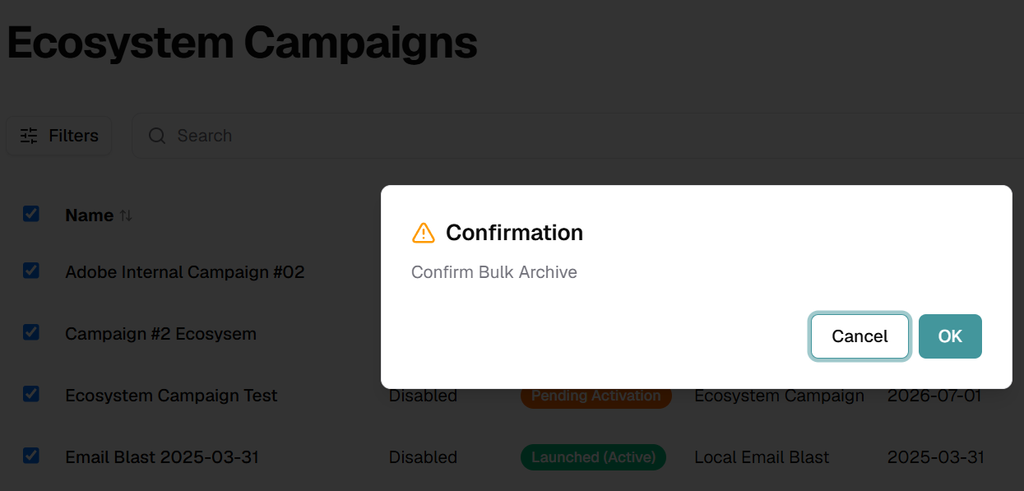
Notes
- Archived campaigns are removed from the active view but not deleted; their data and reports remain available.
- They can be reviewed or restored at any time from View Archived in the same hamburger menu.
- Apply table filters and check the selection counter before confirming, to avoid archiving active campaigns by mistake.
- You can only archive closed campaigns.